


Bronto for OpenClaw
Give your OpenClaw assistant full observability. Stream every log, action, and trace from your always-on AI agent into Bronto, search across all of it in sub-seconds, and investigate what your claw did with AI instead of grepping.

Your own open-source, always-on AI assistant
OpenClaw is an open-source personal AI assistant that runs on your own hardware. It has persistent memory, learns new skills, and works 24/7 through the tools you already use, from Discord and Telegram to WhatsApp. It runs cron jobs, kicks off background tasks, manages coding agents, and chains actions together on its own. Because it lives on your machine and is fully hackable, your context and data stay with you instead of a walled garden.
Observability for an agent
that never sleeps
Stream every action
Capture every log, tool call, and task your claw runs, no sampling required.
Trace agent runs end to end
Follow a request from a chat message through every skill, sub-agent, and background job.
Sub-second search
Query everything your assistant has ever done in milliseconds, across any time range.
Always-hot retention
A full year of agent history queryable instantly. No cold tiers, no rehydration.
Monitors and alerts
Know the moment a skill fails, a job stalls, or costs spike. Every alert ships with an investigation report.
Stays on your terms
Self-hosted assistant, efficient observability backend. Your data, your control.
Send your OpenClaw data to Bronto
- 1
Set up a free Bronto account
Sign up free, no credit card required, and create your first dataset to receive your OpenClaw telemetry. - 2
Set up your API key
You can grab an ingestion API key two ways: during onboarding, hit Generate API Key at the bottom of the setup flow, or inside the product head to Settings → API Keys (/settings/api-keys). Drop it into your OpenClaw config so your telemetry authenticates and starts flowing in. - 3
Send your OpenClaw data to Bronto
Add a diagnostics block to your OpenClaw config that exports OpenTelemetry traces and logs to Bronto's OTLP endpoint. Every model call your assistant makes then lands in Bronto with full token, model, and provider context. The docs walk you through it step by step.

observability for your AI agents
Drop in your Bronto API key and instantly see what your AI agents are actually doing: sessions, traces, token spend, latency, errors, and tool usage, all in one dashboard.
Live dashboard
Activity over time, calls by model and provider, token usage, top tools, and errors at a glance.
Session explorer
Drill into any conversation, step through spans, and inspect every tool call.
AI insights
Auto-generated summaries, optimization tips, and anomaly callouts.
Zero setup
Paste your key, pick a dataset, done. No infrastructure to wire up.
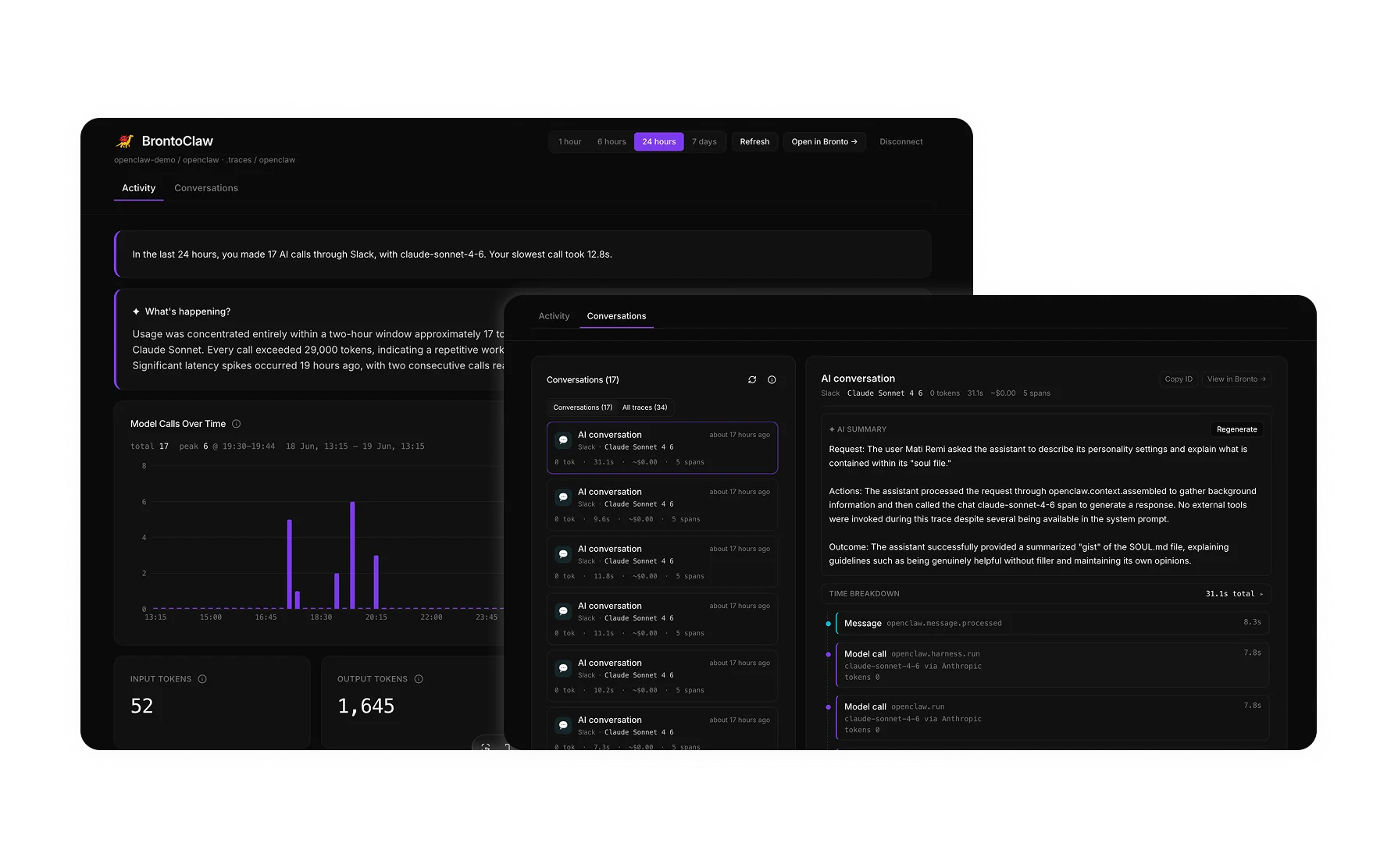
Use BrontoClaw as-is
BetaHead to brontoclaw.com, drop in your key, and get the full benefit of the tool with no setup.
- 1Open brontoclaw.com.
- 2Paste your Bronto API key.
- 3Pick the dataset receiving your OpenClaw telemetry.
- 4Explore your live dashboard, sessions, and AI insights.
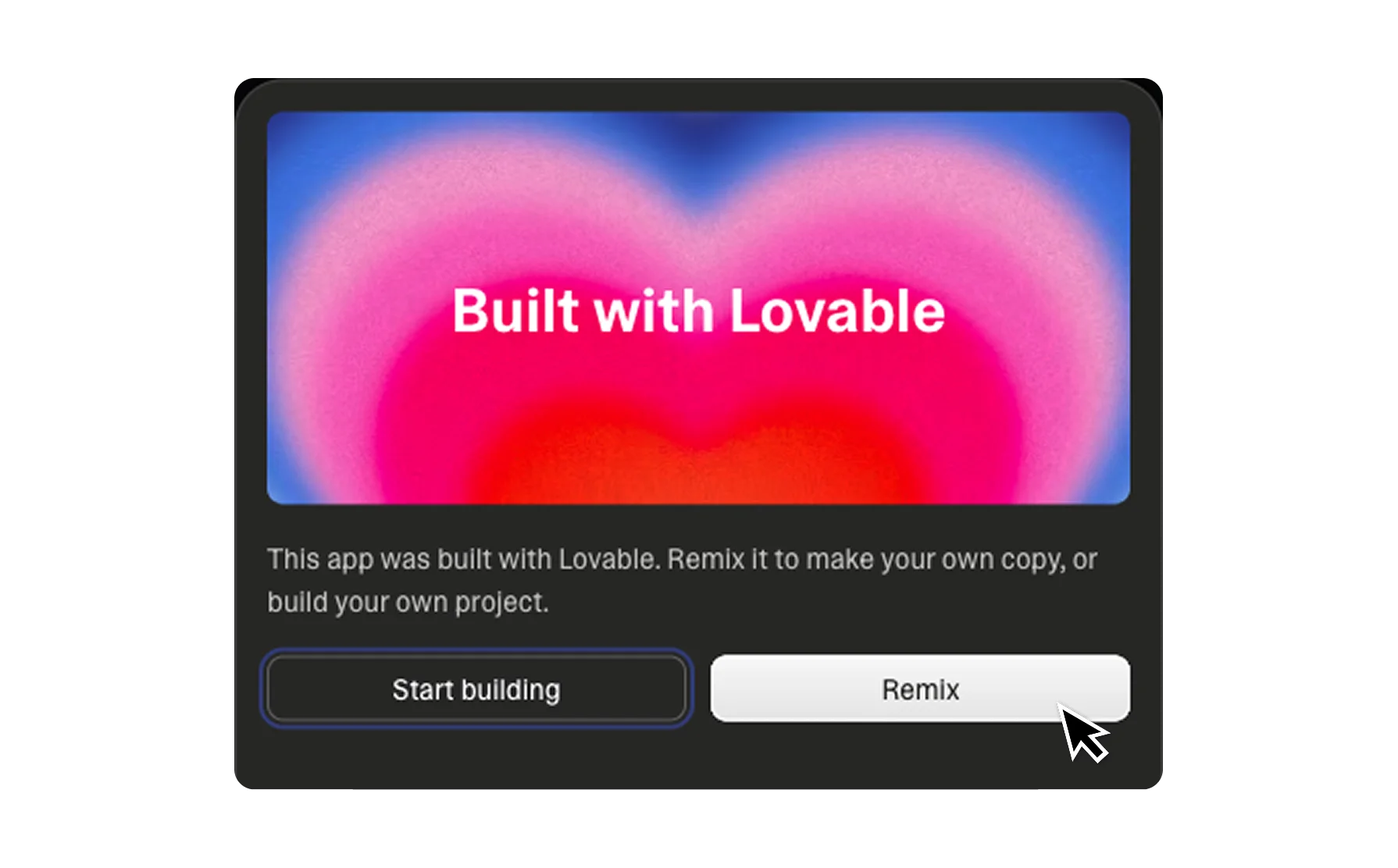
Remix and build on top of it
BetaClick Remix to fork the template into your own Lovable project, then make it yours.
- 1Rebrand it (logo, colors, copy) for your team or customers.
- 2Add custom panels: cost trends, p95 latency, per-user breakdowns.
- 3Wire in your own data sources alongside Bronto.
- 4Ship it as an internal tool or a product.
Built on Lovable Cloud — auth, database, and AI included
Sub-second search, always-hot retention, and AI-native observability for your OpenClaw assistant.